The Brave Few Tools & Setup
Verify hardware, bind controls, and prepare graphics options before Early Access launch.
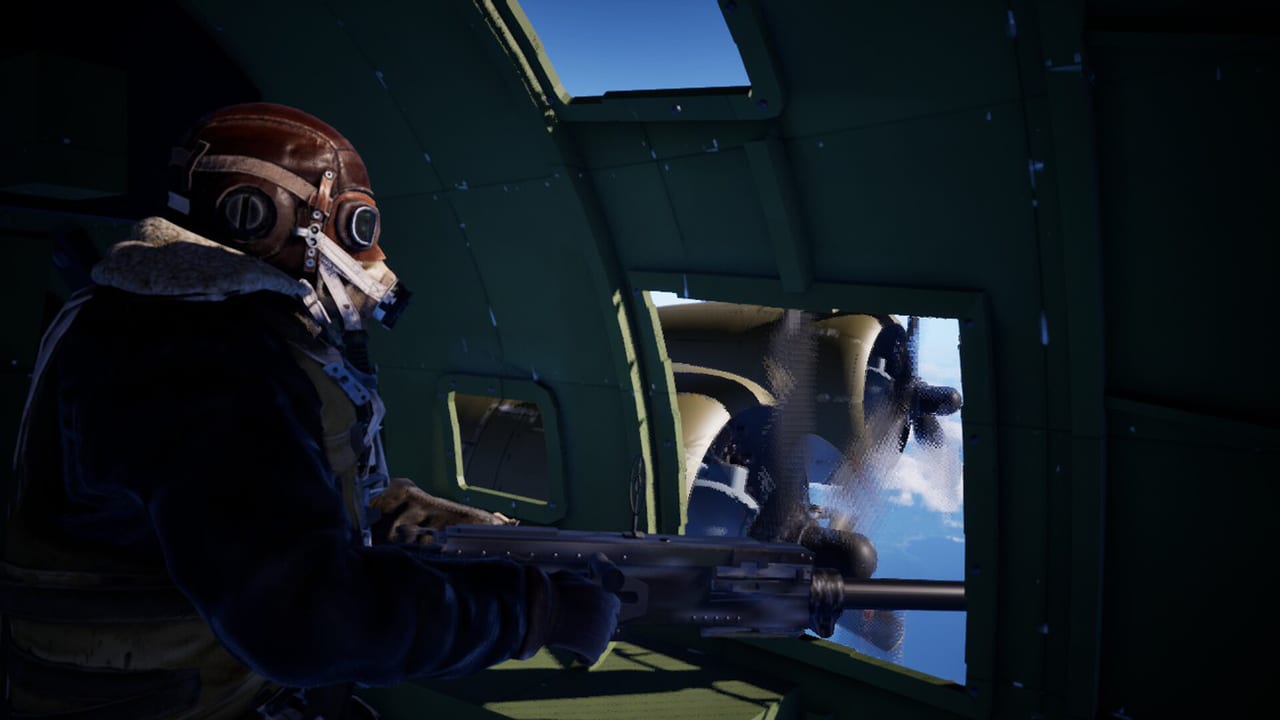
The Tools Hub gathers setup references for The Brave Few on Windows PC via Steam. Indub publishes minimum and recommended specs, full controller support, full key rebinding, graphics presets, audio sliders, and Arcade / Realistic flight modes. HOTAS and broader peripheral depth are called out as future priced content examples during Early Access—not as day-one guarantees. Use this hub before you host a co-op session or attempt Veteran flak routes.
Pages in this hub
System Requirements
System Requirements reprints the Steam minimum and recommended lines: Windows 10 (recommended Windows 10/11 64-bit), CPU, RAM, GPU, DirectX 12, storage, network, and experimental VR notes. Check it before buying or before enabling split-screen plus high fighter counts.
Controls
Controls covers mouse and keyboard, full gamepad support, rebinding, sensitivity and mouse-aim options, Arcade versus Realistic flight toggles, and the Steam note that HOTAS support is planned as content/features ship (with a possible price rise). Pair it with Stations and Voice for push-to-talk binds and Getting Started for first-flight order of operations.
Difficulty Settings
Difficulty Settings documents Easy, Normal, Hard, and Veteran presets plus the custom panel (fighter count 1–200, ace count 1–50, fighter skill, unlimited crew/aircraft health and ammo, crew job sequences off) and the four times of day — Morning, Noon, Dusk, Night. Use it before you host Public crews or stress-test Veteran Night hops.
Why setup pages matter in this game
The Brave Few stresses a custom flight model, per-component damage, walkable crew jobs, and dense flak/fighter audio. Machines that barely meet minimum specs may struggle when you add local split-screen, high fighter counts, or Night lighting with effects maxed. Binding repairs, station interacts, and VOIP before a Public Quick Match prevents silent guns during the first fire.
Related hubs
- Guides Hub — playbooks after your PC is ready
- Players Hub — multiplayer seating and voice
- Tier List Hub — what to prioritise in crew and threats
- Updates Hub — launch date and roadmap
- Links Hub — Steam store and Discord support channels
Bookmark System Requirements, Controls, and Difficulty Settings, then return here when Indub posts input or graphics patches during the planned ~1 year Early Access window.
Setup path for new owners
- Compare your PC to the Steam minimum and recommended tables.
- Update GPU drivers for DirectX 12 stability on Unreal titles.
- Install with at least 15 GB free and leave room for shader caches.
- Open Controls and bind push-to-talk, repair, medic, station interact, and bail before matchmaking.
- Choose Arcade or Realistic intentionally, and tell your crew which mode you are using (Arcade vs Realistic).
- Set Easy/Normal (or a sane custom panel) using Difficulty Settings before Public Quick Match.
- Run a tutorial or Easy hop from Getting Started.
- If you host, re-read Co-op Tips so difficulty and seat priority are set before ready-up.
Common setup mistakes
- Hosting split-screen on minimum GPU presets while also raising custom fighter counts into the dozens.
- Leaving default binds that collide with VOIP, then blaming the radio filter for “broken chat.”
- Assuming HOTAS profiles exist on day one because the pricing FAQ mentioned HOTAS as a future example.
- Skipping Stations and Voice and discovering mid-mission that nobody can claim the Engineer seat cleanly.
- Ignoring broadband quality when you are the fallback host after dedicated servers are busy.
After patches
Indub plans to iterate through Discord and the Steam hub during Early Access. When a patch touches flight feel, damage, or input, return to this Tools hub first, then refresh Tier List only if role tools or enemy behaviour changed. Keep Official Links bookmarked so you are not chasing mirrored spec sheets that lag behind Steam.
Frequently Asked Questions
Quick answers for Early Access crews.
Is The Brave Few only on PC at launch?
Steam Early Access on 30 November 2026 targets Windows PC. Consoles have been mentioned by the developer around 2027—treat that as planned, not a Steam store guarantee.
Does the game support controllers on day one?
Yes. Steam lists full controller support alongside mouse and keyboard, with full key rebinding in game.
Is HOTAS available at Early Access launch?
Steam’s pricing FAQ cites HOTAS support as an example of features that may arrive later as the price rises—not as a confirmed launch checkbox.
Where should new pilots go after setup?
Finish Controls, then follow Getting Started and How to Play Co-op before joining Public crews.